
1
Log in to your account.
Open the application on your mobile device and authenticate using your registered mobile number and verification code.
2
Click the menu button to open the sidebar menu.
Locate the top navigation bar and tap the menu icon to display the application sidebar drawer.
3
Click Cancel Account button.
Navigate down to the account settings entry within the drawer list and select the Cancel Account option.
4
Click the Confirm option.
Review the cancellation notice dialog and select the Confirm option to submit your account cancellation request.
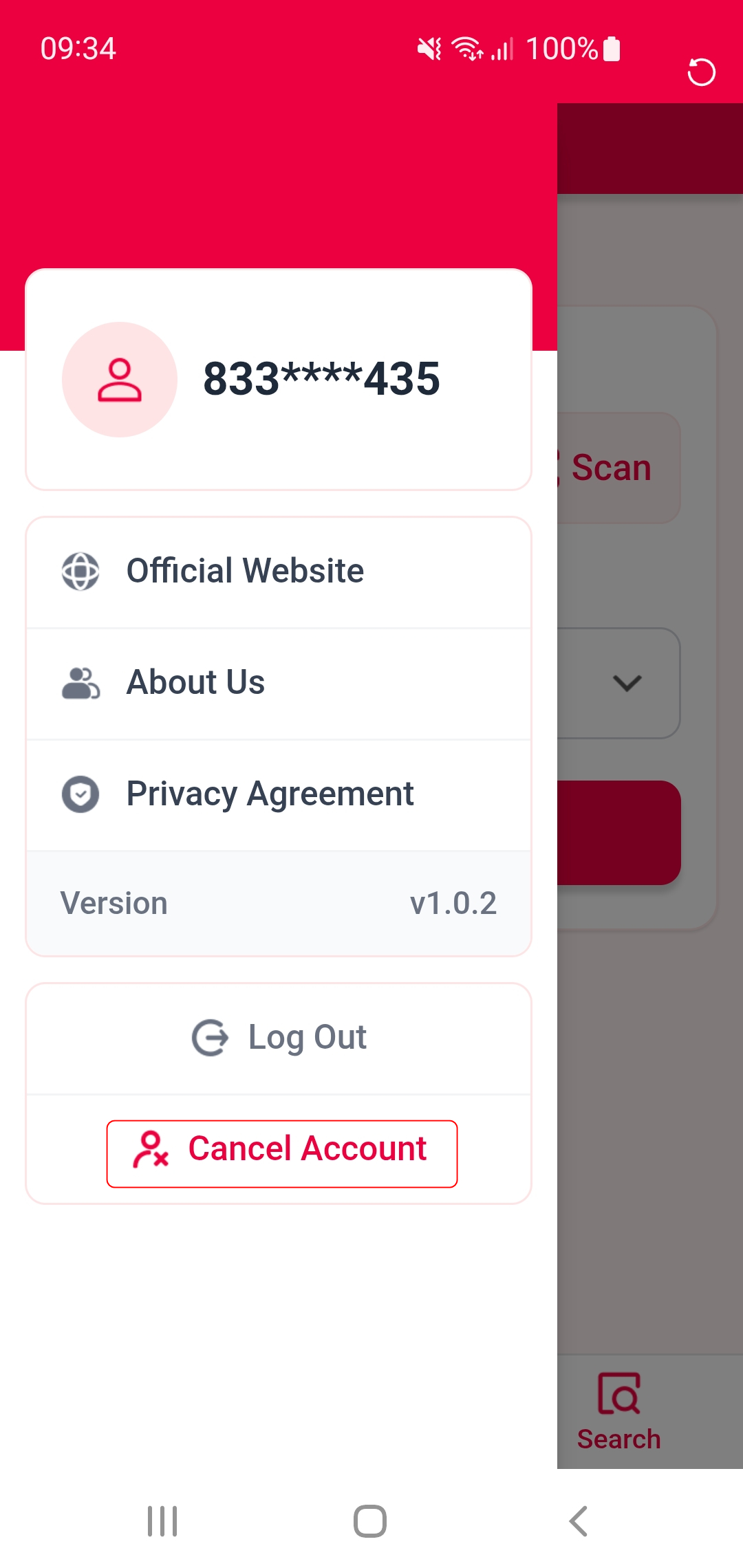
In-app account cancellation interface preview